
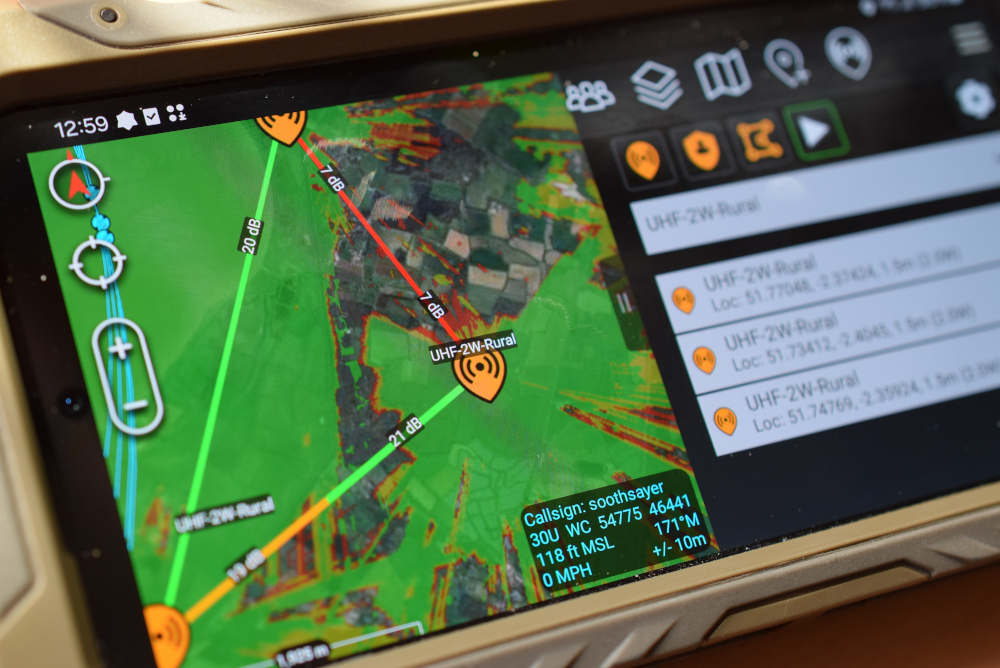
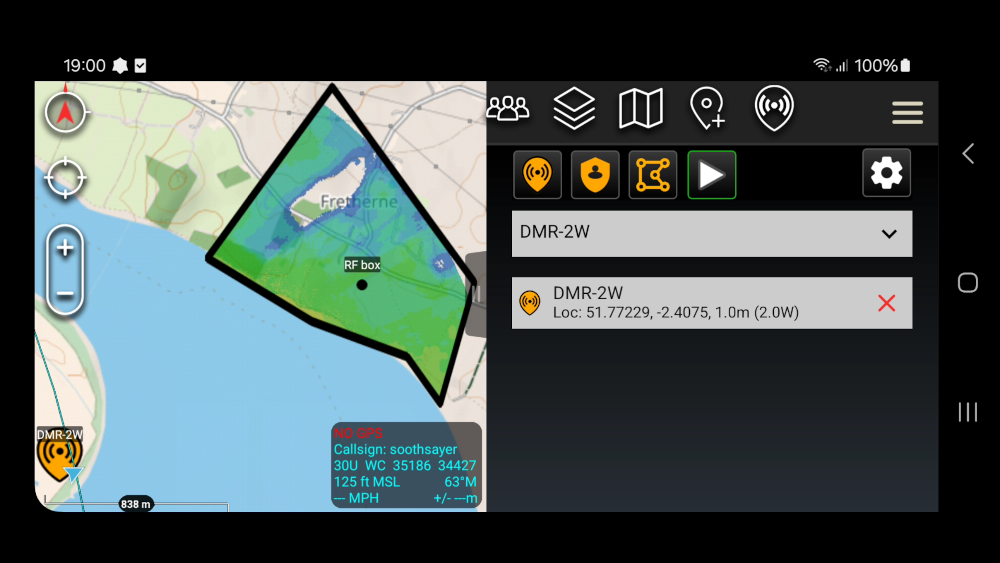
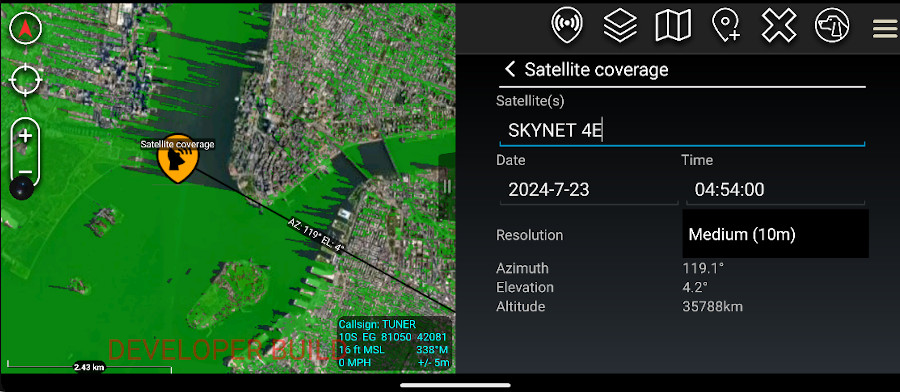
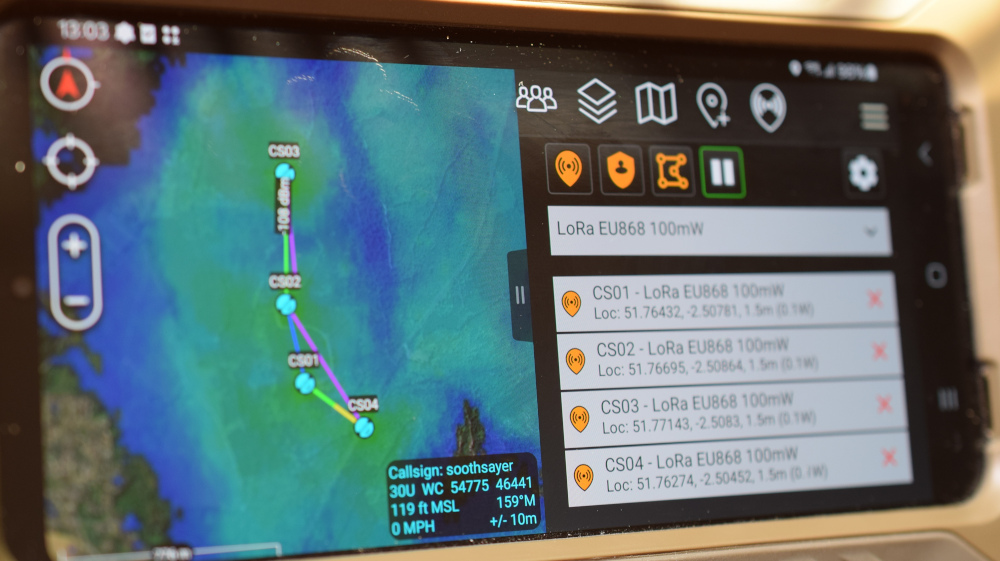
Our open source ATAK plugin lets you conduct rapid, accurate RF planning using CloudRF radio templates.
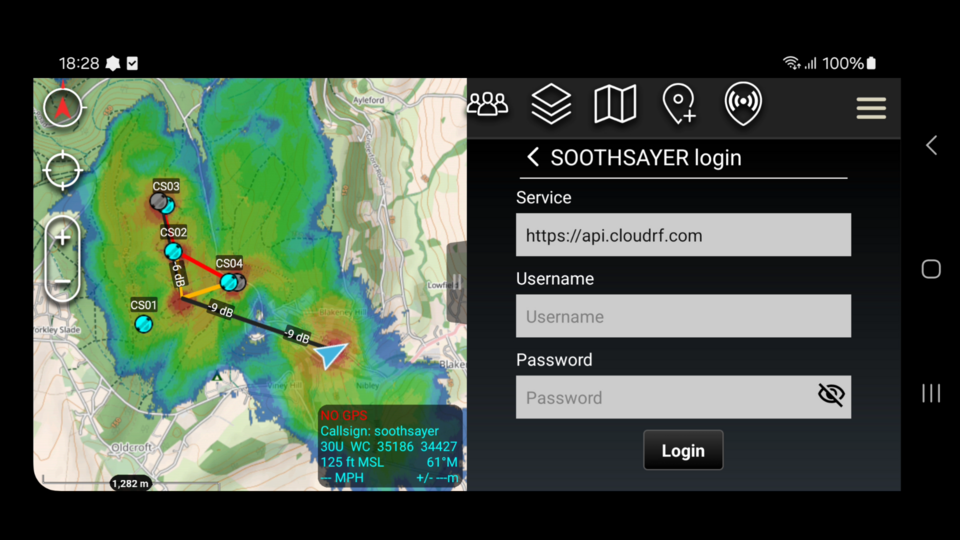
It requires either a CloudRF account or a SOOTHSAYER server with a network connection to function.
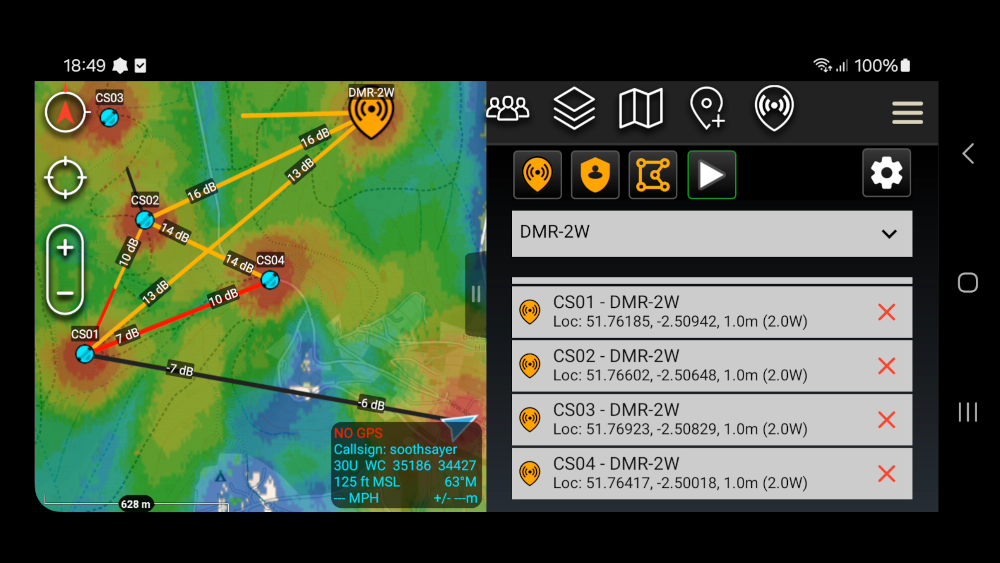
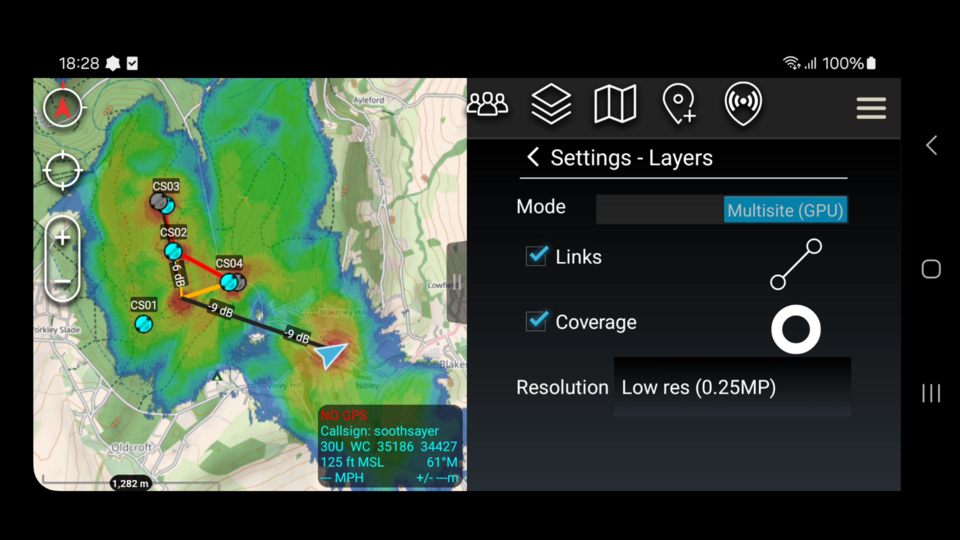
- Bi-directional links
- RF coverage
- Best Site Analysis
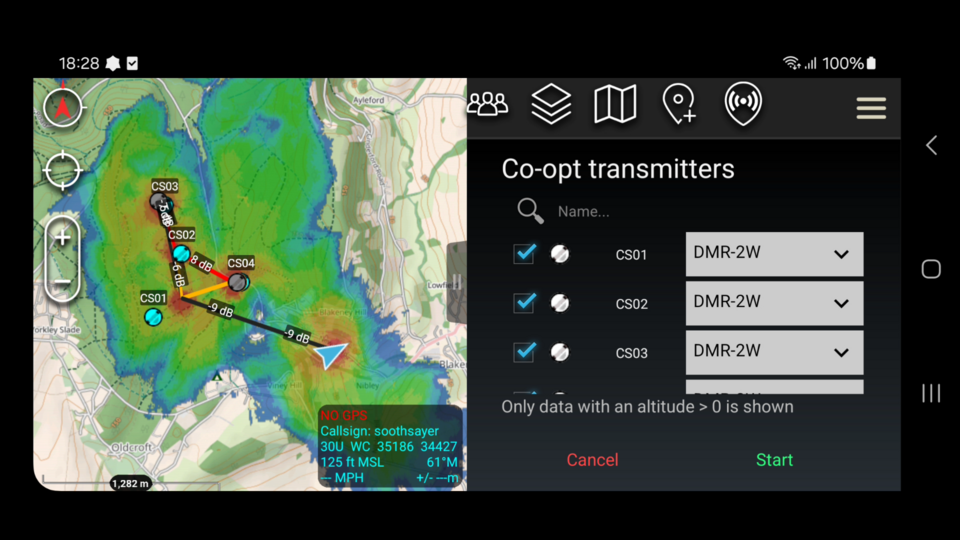
- Co-opt live data
Download
The plugin is deployed as a TAK Product Center signed APK file which you can install direct into ATAK from ATAK’s plugin manager. You will require to have ATAK installed first.

3.0.1 – 12th June 2026 (ATAK 5.6)
Bug Fixes:
- Server URL persists a restart
- JSON templates can be refreshed from SD card without a restart
- Missing colour keys in user profiles can be resolved locally by switching colours
- Best Site Analysis is disabled until a polygon has been defined
- Rejected templates generate a prompt now
- Rate limiting “double tap” errors reduced with a better interval
- Server login when USB tethering and no default route
Features:
- Server profiles can be saved for quick switching between servers
- Send coverage layer as a data package via radial menu
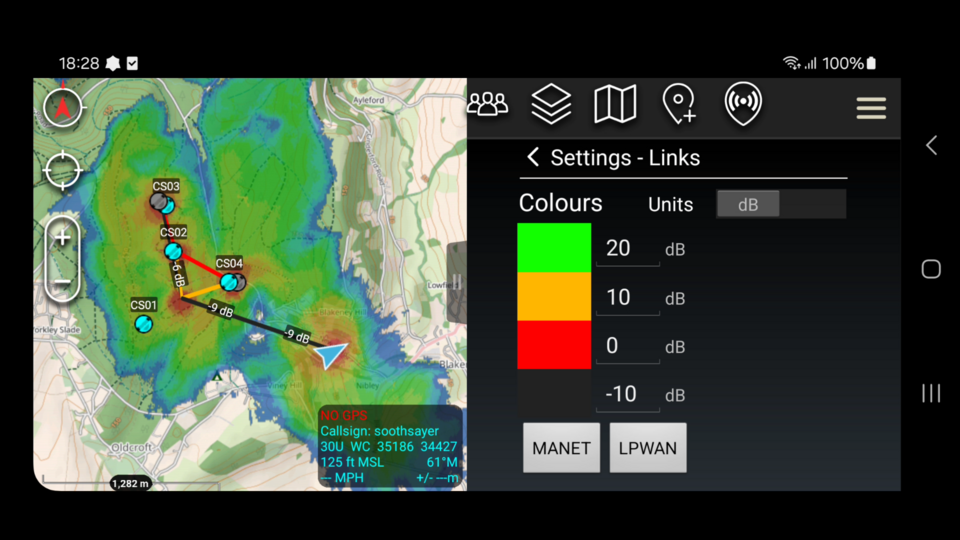
- Multi unit colour key (dBm, dB, dBuV, Kbps, MBps)
- Colour key switcher for blue / red layers
- Networks so sites can be grouped as one eg. blue team
Improvements:
- Tidied templates and icons
- Buttons moved for smaller phones
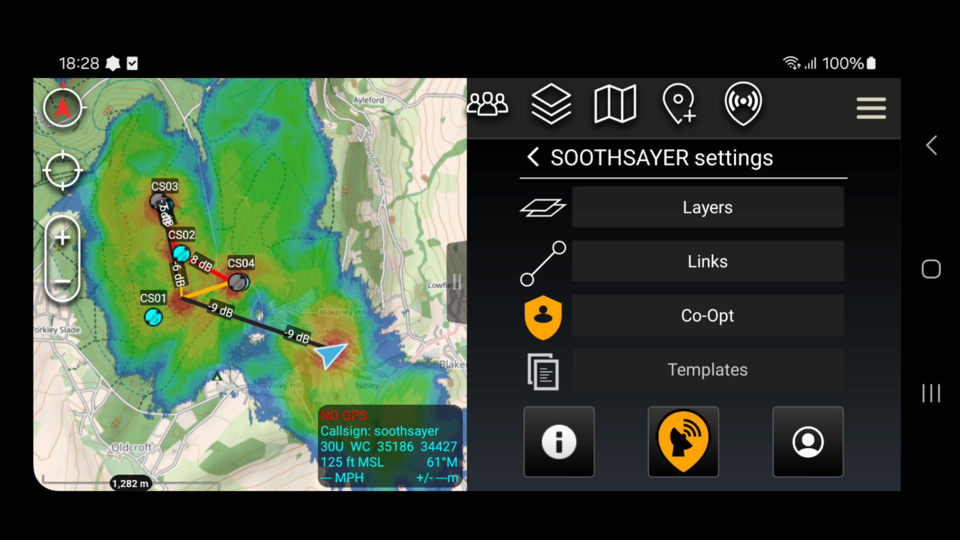
- Layers and links now tidied under SOOTHSAYER items in the layer manager
- VPN support was missing bizarrely
- User agent reports version on login
Signed APK link: https://github.com/Cloud-RF/SOOTHSAYER-ATAK-plugin/releases/download/v3/ATAK-Plugin-SOOTHSAYER-3.0.1-3.0.1–5.6.0-civ-release.apk
For older releases and more details, visit the releases page on Github.
Documentation
Source code
The source code for this unique plugin is free and open source. We’d like to encourage as much TAK development as possible with our API and this is the best way. We make our money back on server sales.
It’s also in response to the many taxpayer funded attempts to re-imagine CloudRF over the years. We’re loading up the IP slugs with nasty lettuce to keep them away from the good stuff 😉
Feedback
Request features or report bugs to support@cloudrf.com or on the Github issues board.