Search
Search on the toolbar opens a single box that finds two different things at once: places anywhere in the world, and the objects in the project you have open. Picking any result flies the camera to it.
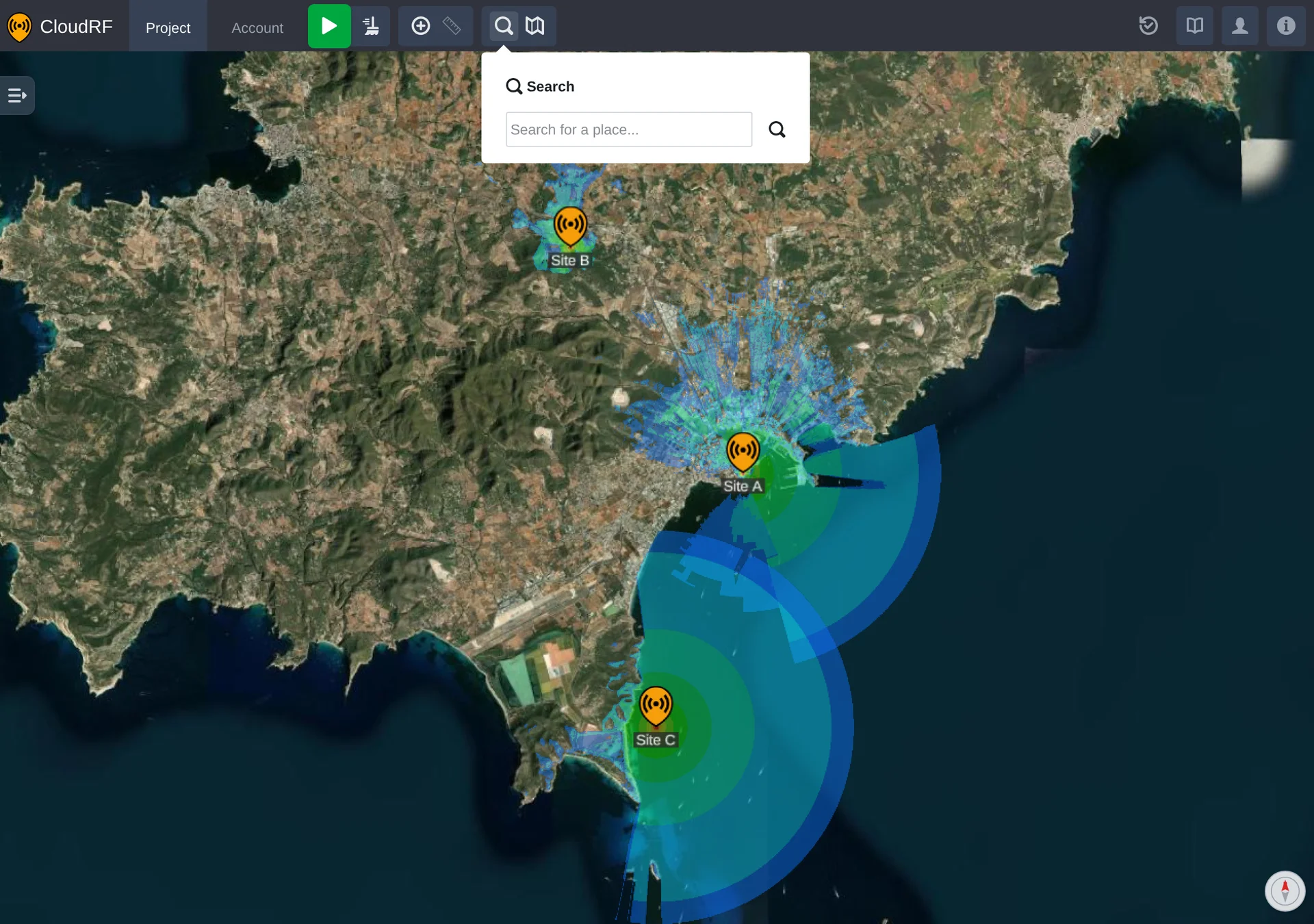
Results appear as you type.
Places
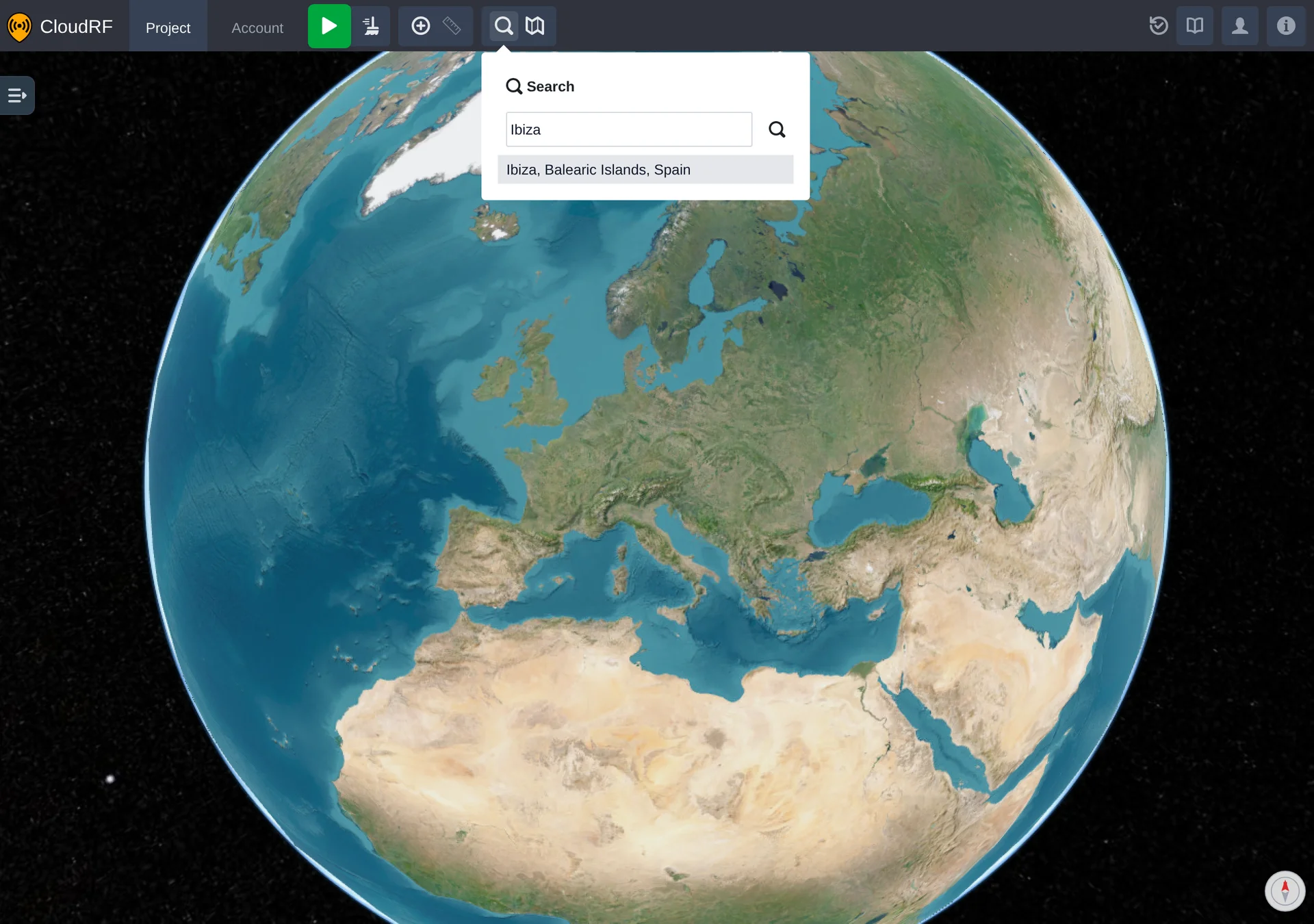
Anything that isn't one of your own objects is looked up as a place name - towns, regions, landmarks - and flying to one frames the area it covers rather than dropping on a single point.
Project Objects
Your project is searched too, and its results come first in the list, above the places. Networks and radios match on their own name. A path profile matches on its own name or on its radio's, so searching for a radio finds its links as well.
| Result | Shown as | Flies to |
|---|---|---|
| Network | A dot in the network's colour | Everything the network's radios cover |
| Radio | The radio's icon | The radio and its calculation radius |
| Path profile | Its radio's icon, labelled radio ↔ path profile | Both ends of the link |
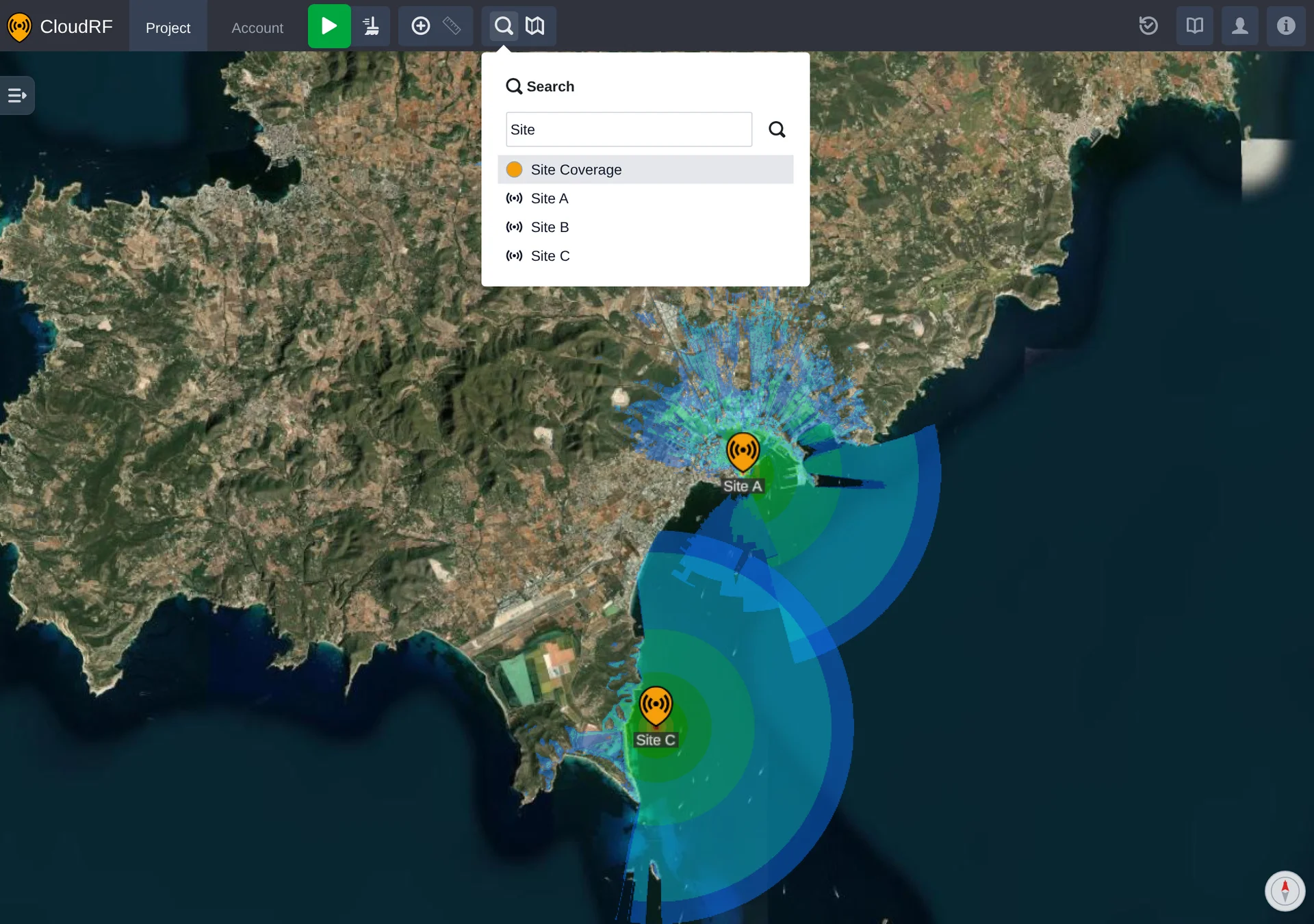
A network only appears if it has radios in it, and a path profile only once its receiver has a position - there is nothing to fly to otherwise.
Listing by Type
Typing the kind of object instead of a name lists every one of them:
| Type | Lists |
|---|---|
network | Every network in the project |
radio | Every radio |
path or link | Every path profile |
Partial words work as well, so net is enough for the networks.