Indicators
A radio, or a path profile's receiver, can carry a ring drawn around its marker to say what state it's in. Two can be present at once: one for what the object is doing, and one for whether it's selected or under the pointer.
| Ring | Looks like | Motion | Meaning |
|---|---|---|---|
| Selected | 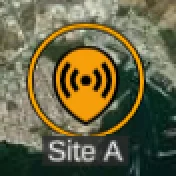 | Still | The object is selected, or its network is. |
| Hovered | 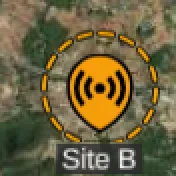 | Still | The pointer is over the object, or over its network in the tree. |
| Needs calculation | 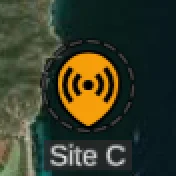 | Still | Settings or position have changed since the last calculation, so any coverage shown is out of date. See auto calculations. |
| Queued | | Spinning | A calculation is waiting its turn behind another. |
| Calculating | 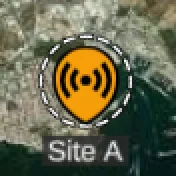 | Spinning | The calculation is running now. |
| Drop target | 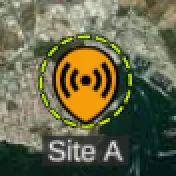 | Spinning | A template is being dragged over this radio and will overwrite its settings if dropped. |
The dark grey rings say nothing is happening yet: still for work you haven't asked for, spinning once it's queued. White means the request is in flight.